Track
Timers in your Mac’s menu bar
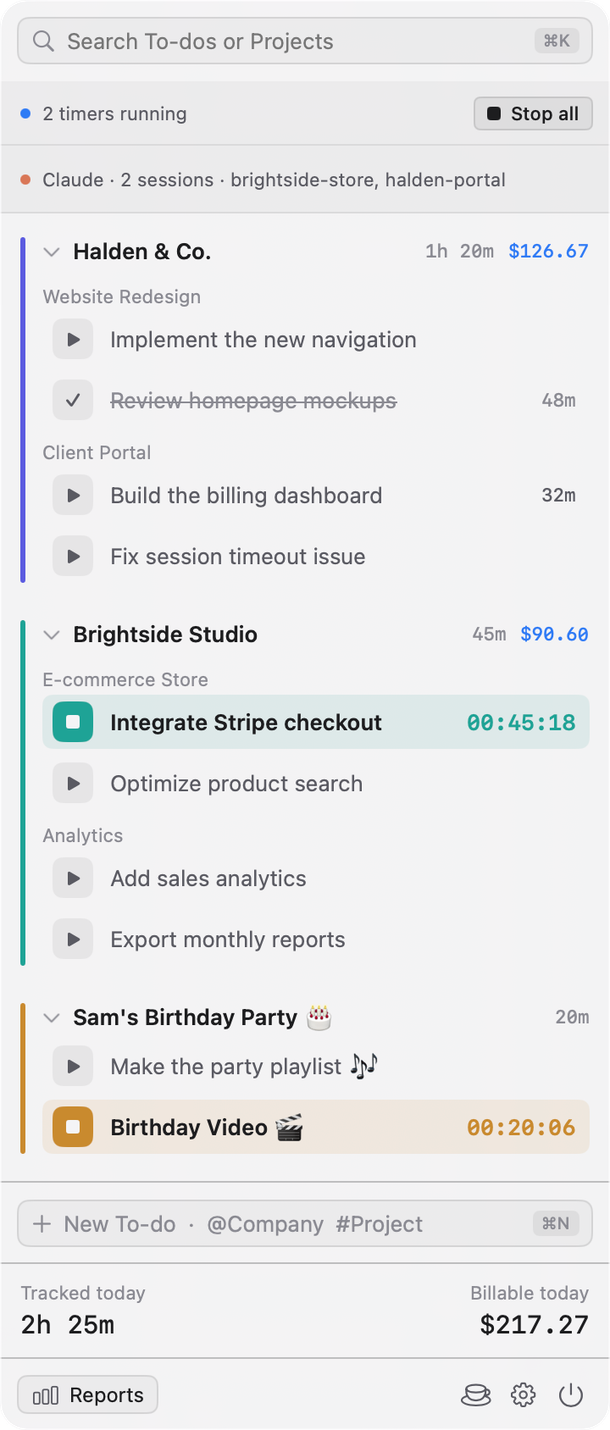
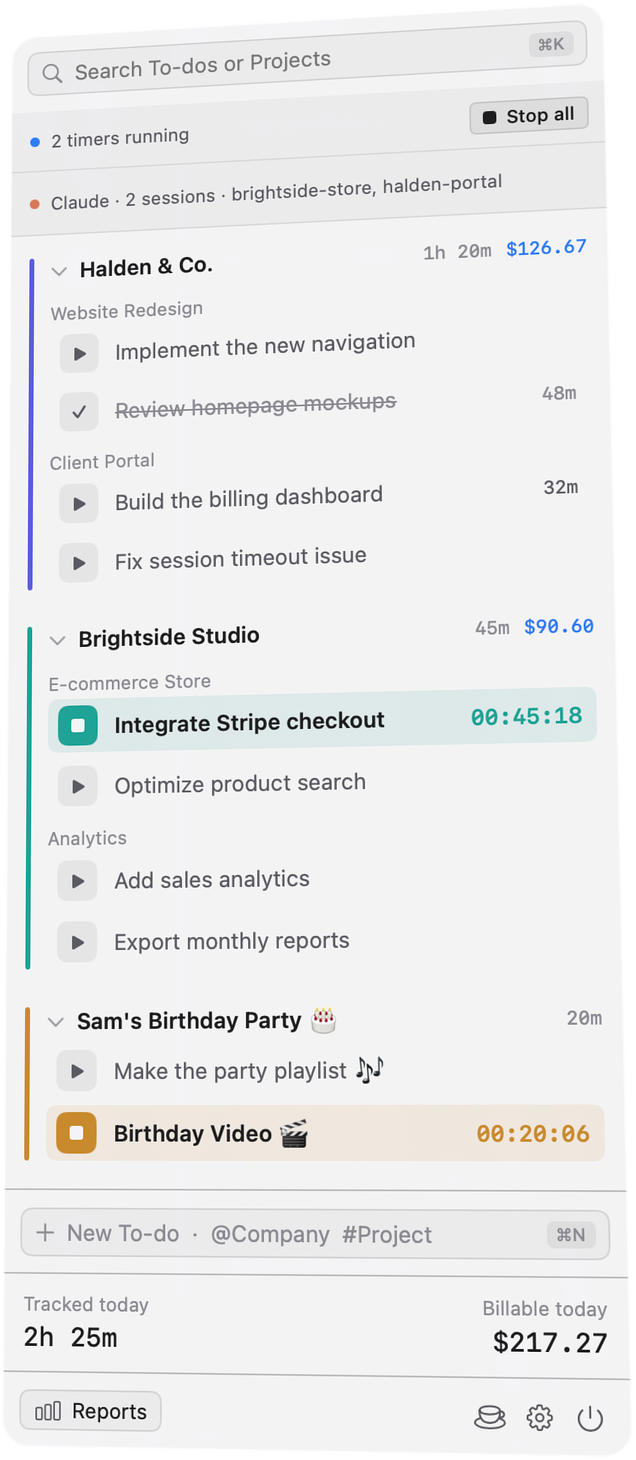
Run a timer on as many to-dos as you have going, for one client or several. Each counts its own time and bills by its own project.
Waitlist open · launching on macOS
Tock is a time tracker for the Mac menu bar. It knows how each client project bills, and keeps Claude Code’s time apart from yours.
One email to confirm, then word when it’s out. Leave the list any time.

Timers in your Mac’s menu bar
Run a timer on as many to-dos as you have going, for one client or several. Each counts its own time and bills by its own project.
Your agent’s time, kept apart from yours
Claude Code sessions record their own time. It’s never billed unless you copy it onto a client’s project or link a repository to one.
Your time, from the terminal
tock-cli works on the same records as the app. Start a timer from a script and the popover shows it at once.
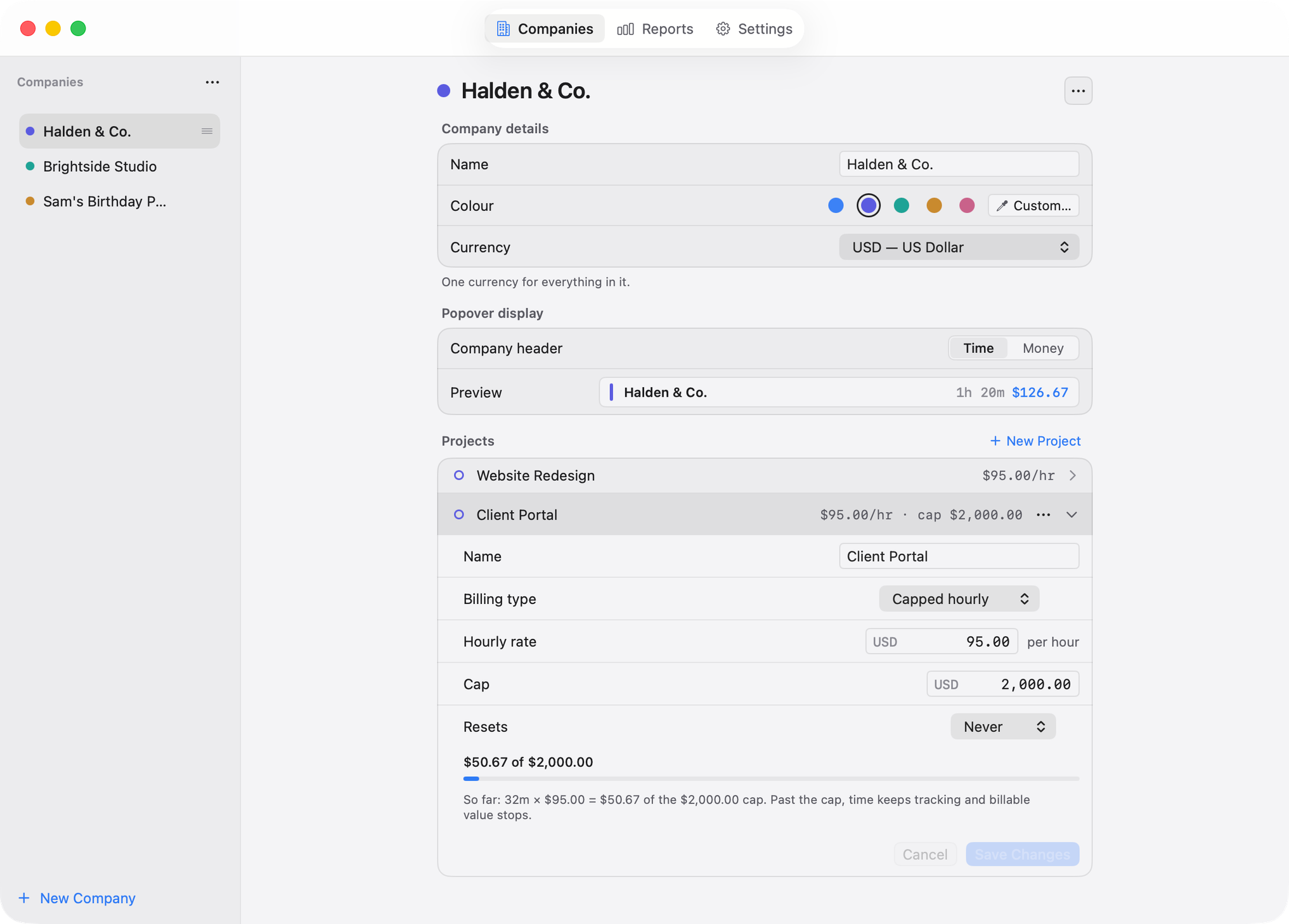
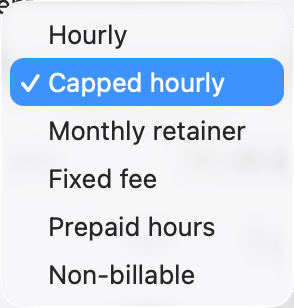
Each project knows how it bills
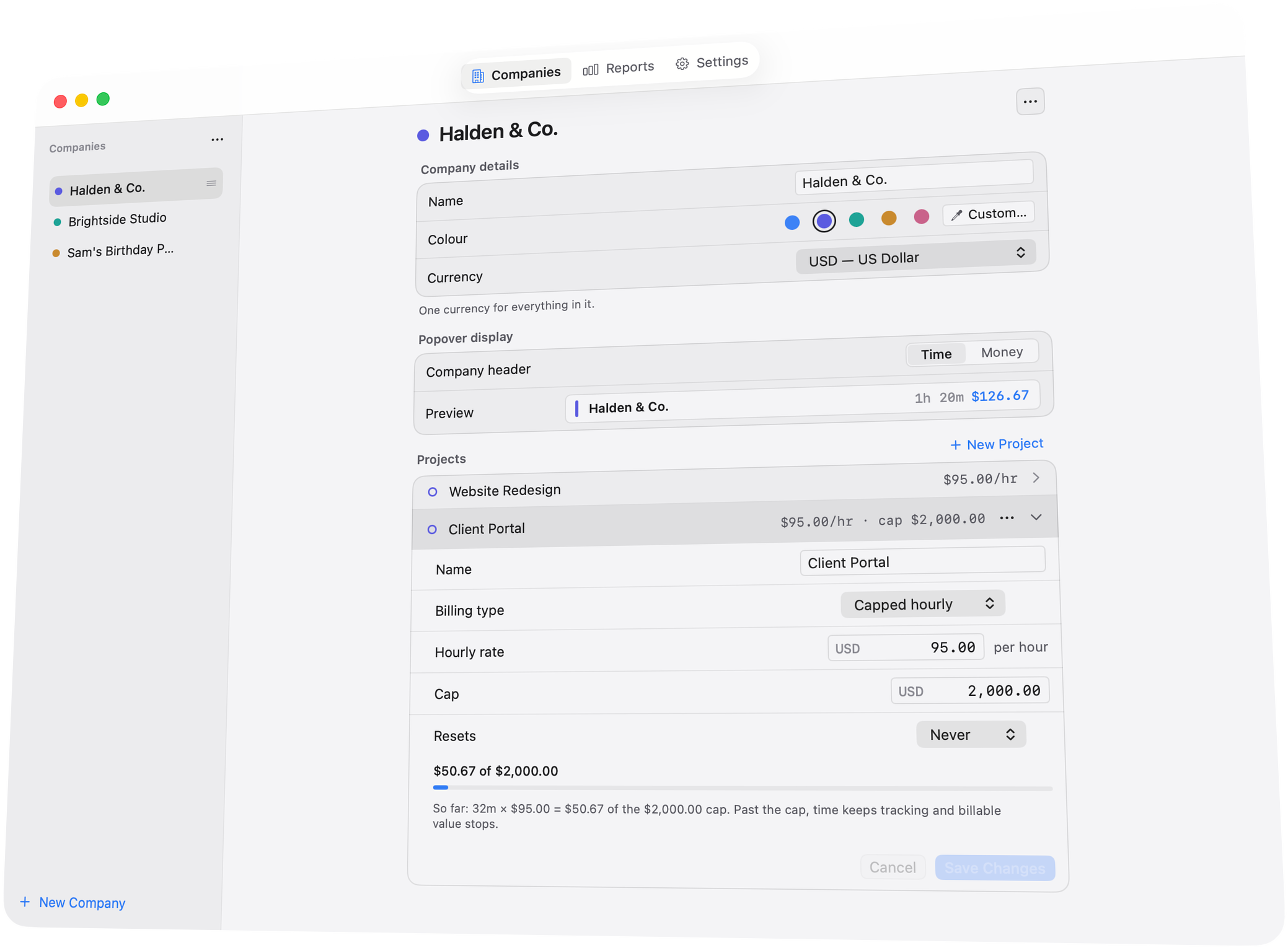
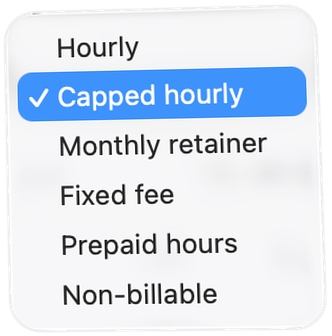
Hourly, capped hourly, monthly retainer, fixed fee, prepaid hours or non-billable. Set the rate and cap once; Tock keeps the sum.
Time and money, by client and project
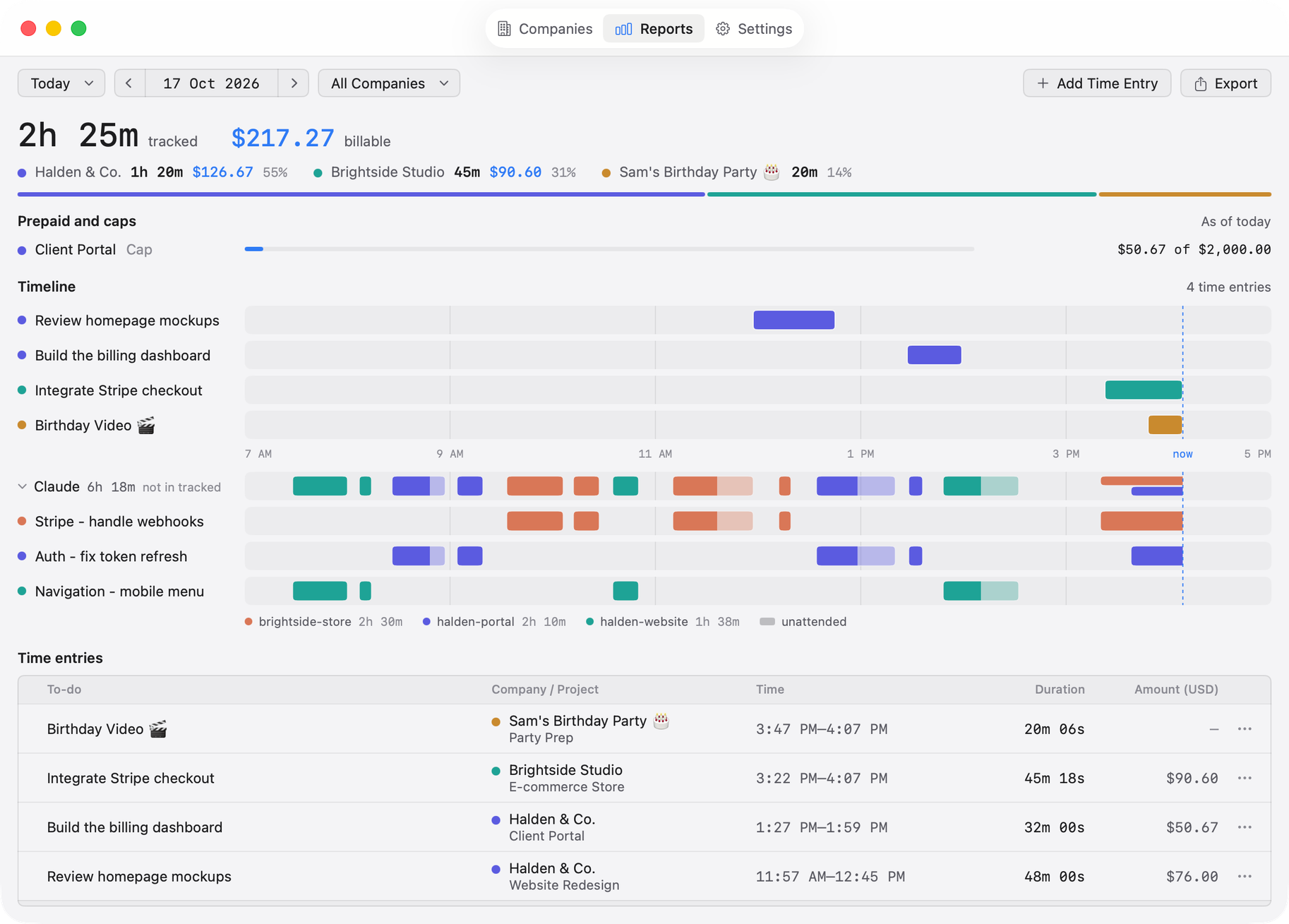
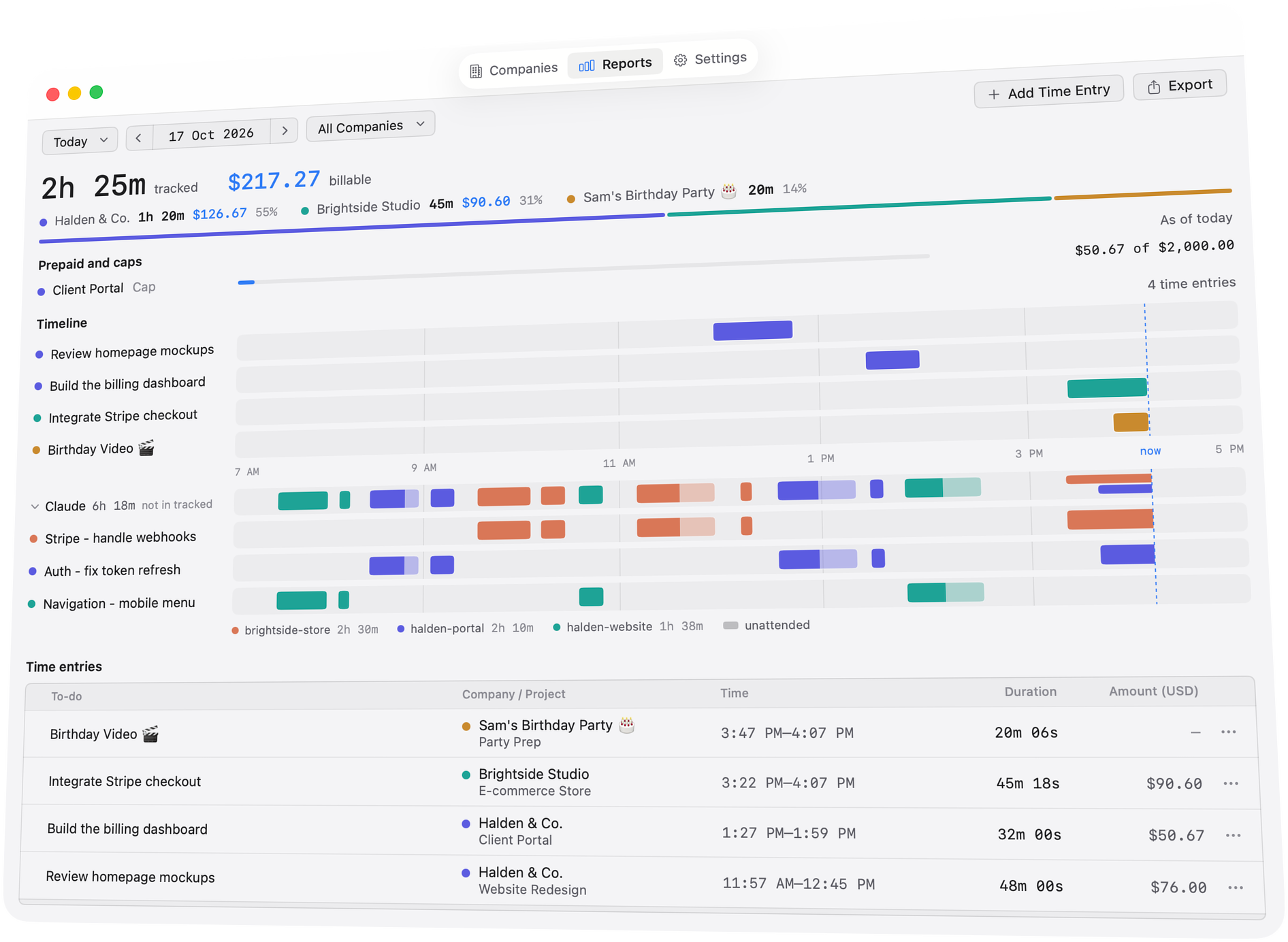
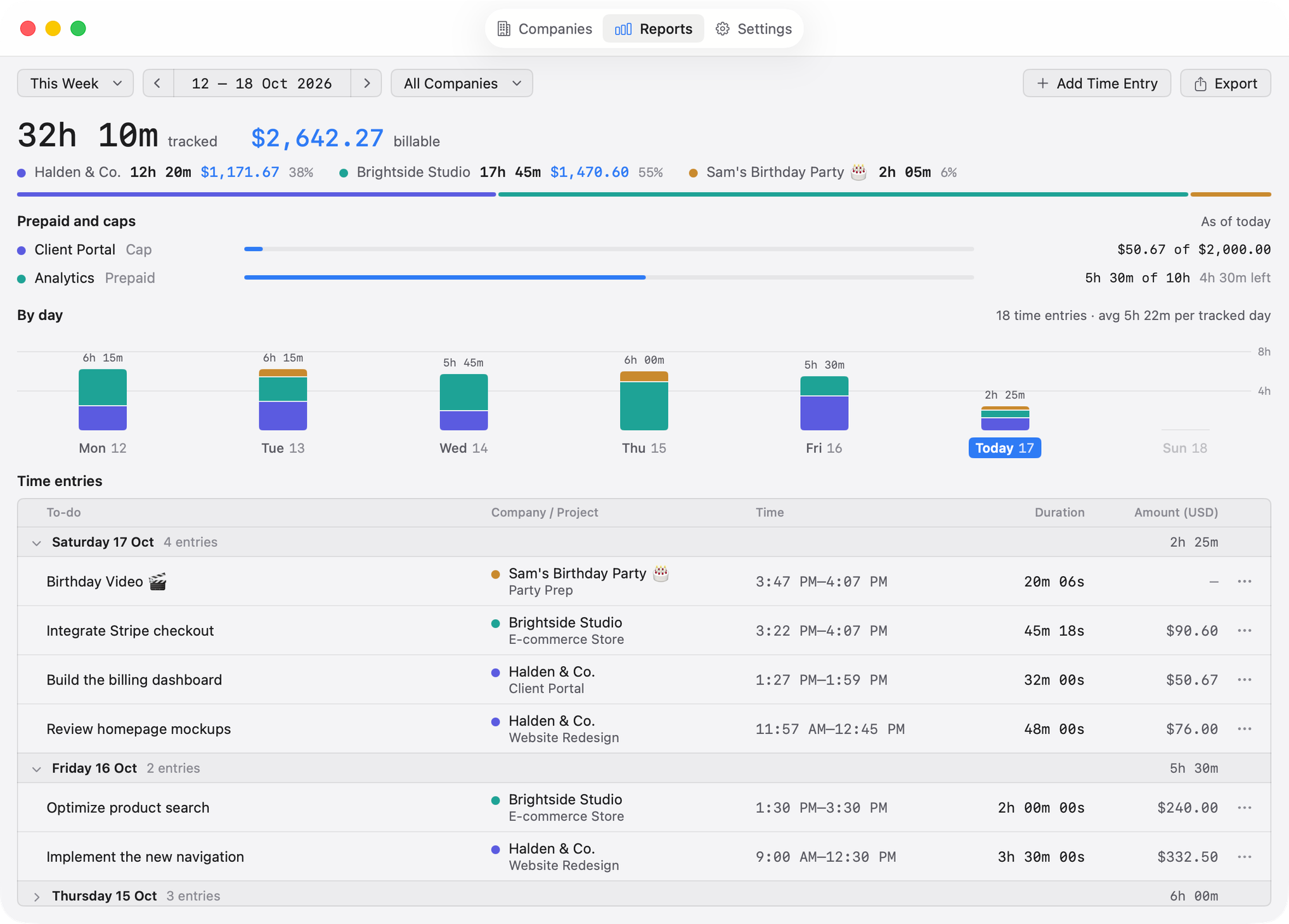
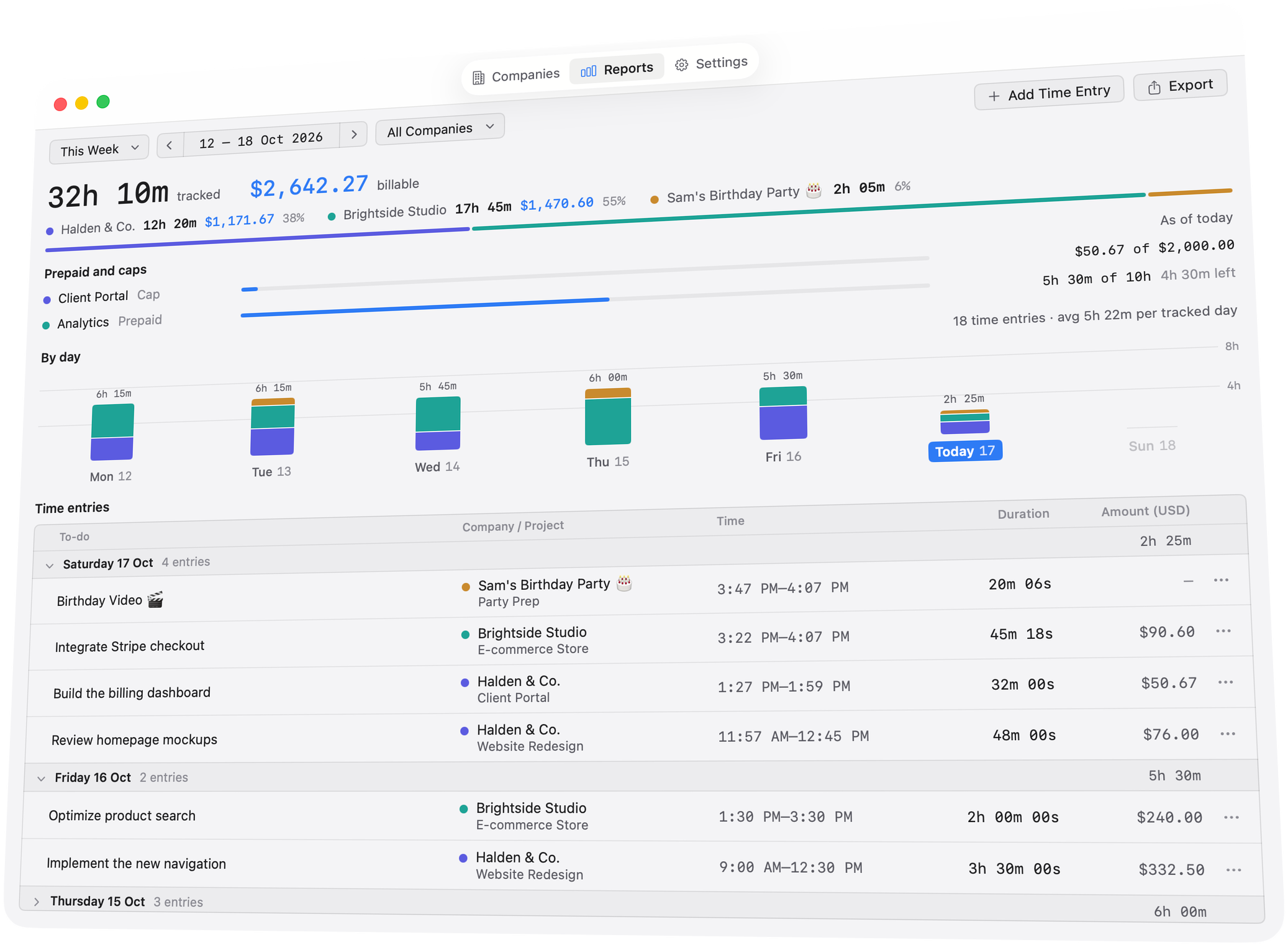
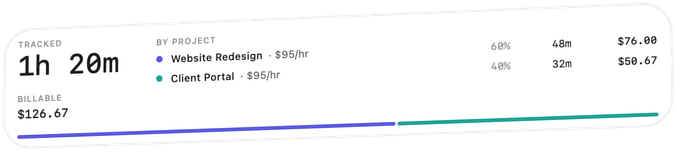
See a day, a week or a month, with the time and the money for each client and project, down to every entry.
Reports your client can read
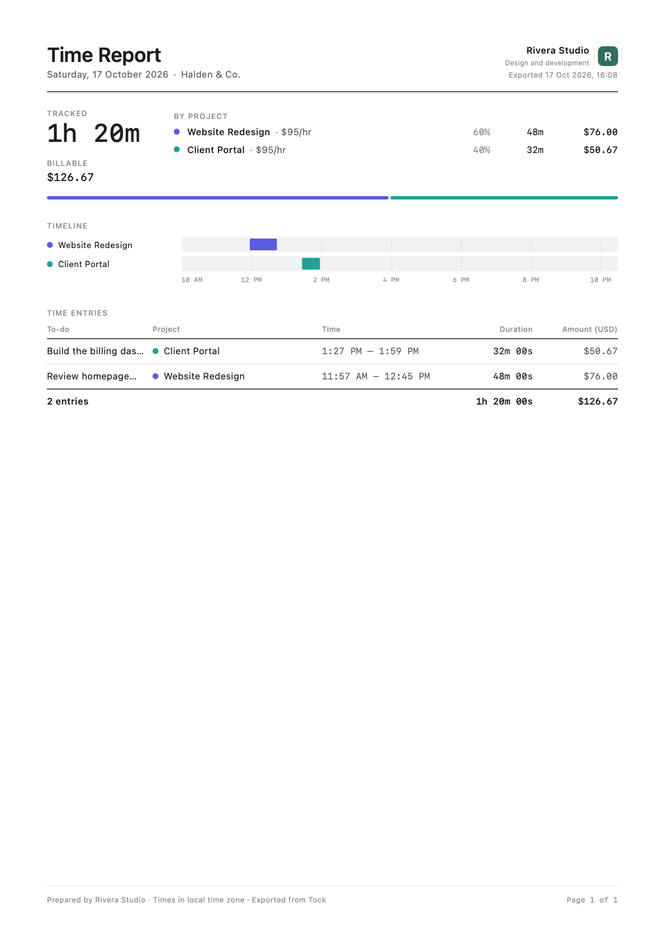
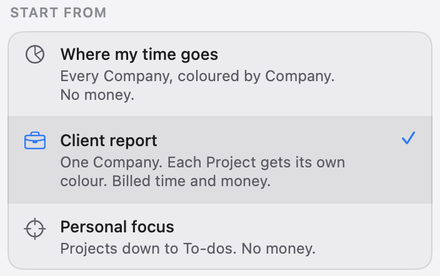
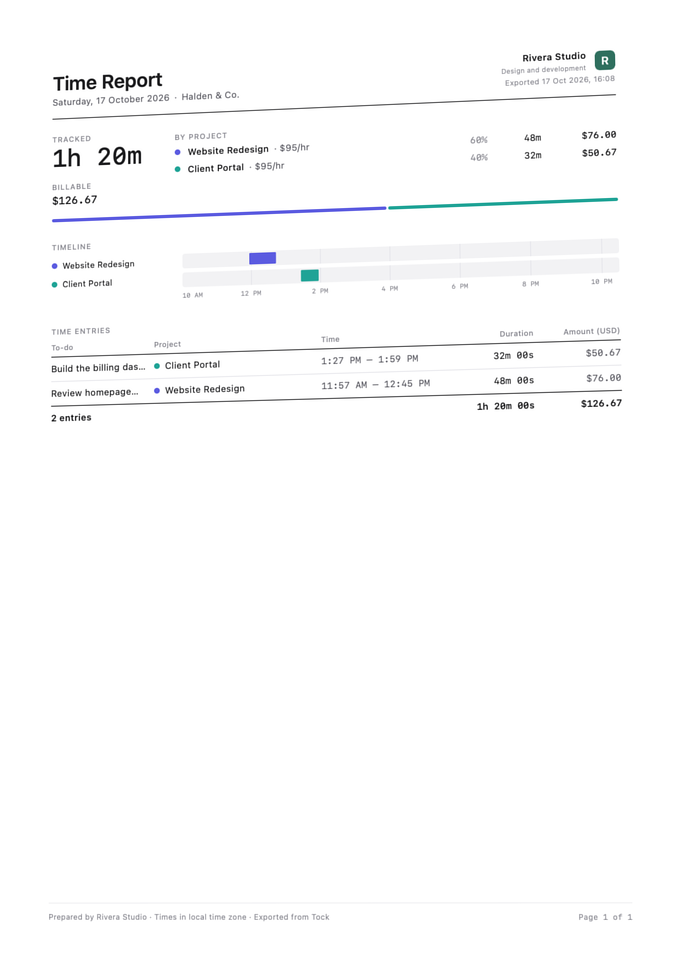
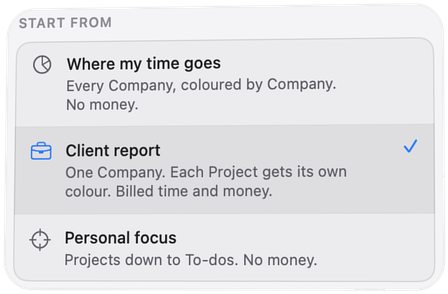
Export a PDF, a web page or a CSV file; the PDF and web page carry your own name and logo. Start from a preset or choose what goes in.
It notices when you’re gone
After five idle minutes Tock asks what to do with that time: keep it or discard it. While the Mac sleeps, timers pause.
Your records stay on your Mac
No Tock account, no analytics, and no server of ours holding them. Sync, if you turn it on, runs through your own iCloud.
Six moments from a day with Tock, each played in the real app.
Timers
Run a timer on as many to-dos as you have going, for one client or for several. One glance at the menu bar tells you how long today has taken and what it is worth.
⌘N, type it, and ⌘↩ adds it and starts its timer. From any app, ⌃⌥⌘T stops your newest timer, or picks up the last one you stopped today.








AI agents
Turn it on and your Claude Code sessions record their own time, kept apart from yours. You see what your agent worked on and for how long.
tock-cli gives you the same records from your terminal or your scripts; the popover follows at once.




Billing
Set a project’s rate and cap once, and Tock keeps the sum as you go. Hourly clients, retainers and fixed-fee jobs each count the way their contract says.




Reports
See a day, a week or a month by client and project, with the time and the money for each, down to every entry. The month-end spreadsheet is already done.






Exports
Export a day, a week or a month with your own name and logo at the top. Start from a preset such as Client report, or choose exactly what goes in.



Privacy
Your records stay on your Mac. Tock goes online for two things only: activating your licence and checking for updates.
Stays on your Mac
Tock will be sold once, not rented by the month. There is one plan with everything in it, and your records are not part of the price.
Tock for Mac
One plan, everything in it
PriceAnnounced at launch
The waitlist gets an email when Tock is out.
macOS 14 Sonoma or later
Something not here? Write to hello@shpideas.com.
Tock is in daily use at Ship Ideas and is being prepared for its first public release. There is no date yet; join the waitlist and you’ll get an email when it’s out.
Any Mac with macOS 14 Sonoma or later.
No. Tock will be sold once, as one licence with everything in it, not rented by the month.
On your Mac. There is no Tock account and no server of ours that holds them. If you turn on sync, it runs between your Macs through your own iCloud.
Today Tock times Claude Code sessions. Your own timers work for any kind of work.
Tock goes online for two things only: one message when you activate your licence on a Mac, and checking for updates. Neither carries anything about your work. A crash report is sent only if you press Send.
Yes. Export a day, a week or a month as a PDF, a web page or a CSV file; the PDF and web page carry your own name and logo.
Tick “I’d like to beta test” when you join the waitlist, and you may be asked to try an early build.
From the maker
A note from the person who builds Tock.
Hi, I’m Basit —
Ship Ideas is a company of one, and Tock is what I’ve been building.
I wanted to see where my time goes, mine and my agents’. Without a chore of an app, and without my data on someone else’s server.
So I built Tock. One click in the menu bar starts a timer. Every record stays on my own Mac. An agent can run it from the terminal. And it’s pleasant to look at all day.
This is the start. More features and support for more agents are coming, and I’d love your feedback along the way: hello@shpideas.com
One email to confirm, then word when it’s out. Leave the list any time.